
Download 2Midi – MOD to MIDI Conversion, Music Production, Audio Conversion
Overview
2Midi is a specialized mobile application developed for musicians and audio producers seeking to convert MOD files into MIDI format. Designed with precision and efficiency in mind, the app serves as a critical tool for preserving the integrity of retro electronic music while enabling modern digital workflows. MOD files, commonly associated with early tracker music from the 1980s and 1990s, contain not only note data but also instrument samples, volume envelopes, and effect parameters. 2Midi ensures these elements are accurately translated into MIDI, maintaining the original character of the composition. This makes it particularly valuable for remix artists, music archivists, and sound designers who wish to repurpose vintage tracks in contemporary DAWs (Digital Audio Workstations).
The app is tailored for users working with legacy audio formats and looking to integrate them into current music production environments. Whether you're restoring old compositions or sampling historical tracks, 2Midi bridges the gap between retro and modern audio ecosystems. Its core function—accurate MOD-to-MIDI conversion—addresses a niche but persistent need in digital music preservation. The developer, 2Midi, has focused on delivering a lightweight yet powerful utility that prioritizes fidelity and usability. Although specific details about the development team were not provided, the app’s release date of September 2, 2020, suggests a mature, stable tool that has been tested in real-world production scenarios.
Key Features & Functionality
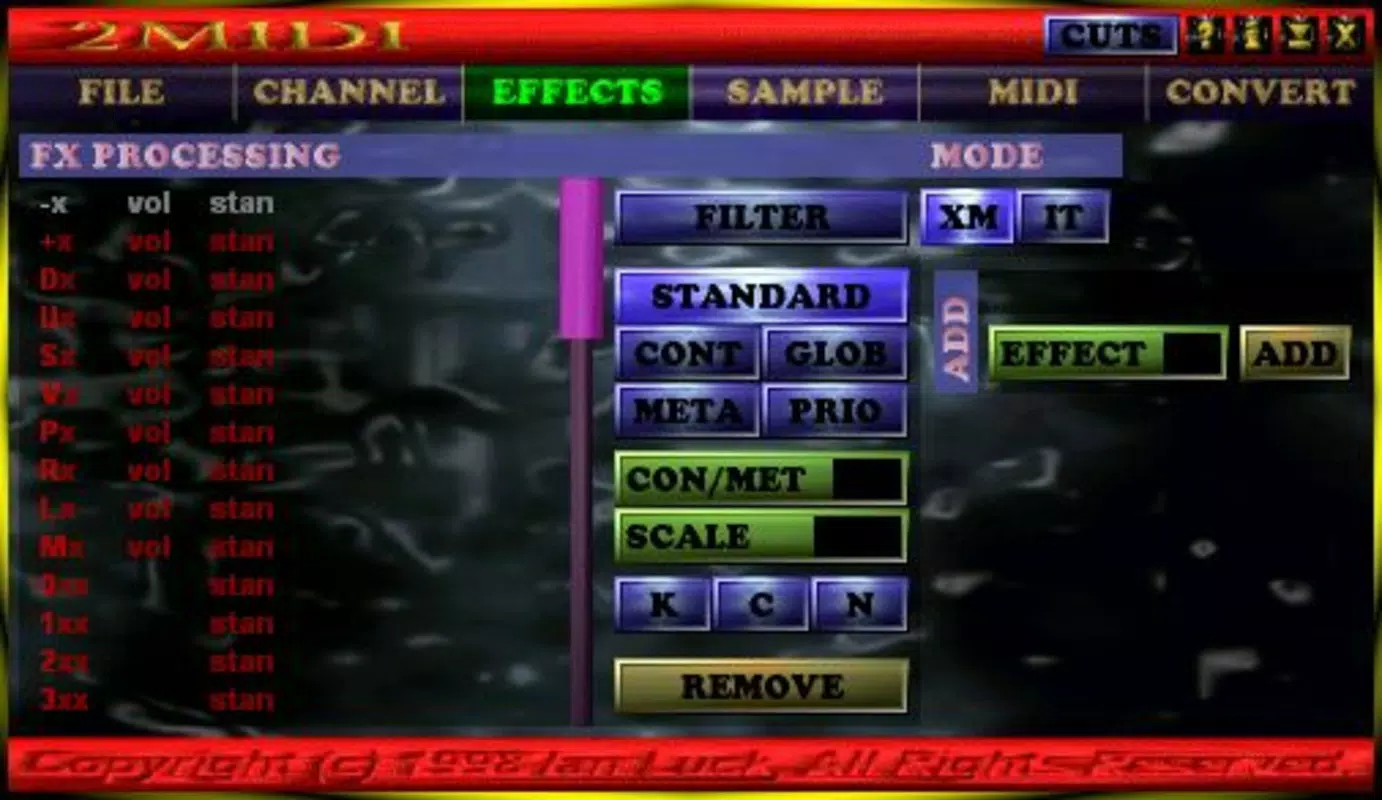
- MOD to MIDI Conversion: The app accurately translates MOD files into MIDI format, preserving critical parameters such as instrument assignments, volume levels, and effect data like arpeggios, vibrato, and panning. This ensures that the converted MIDI file retains the expressive nuances of the original composition.
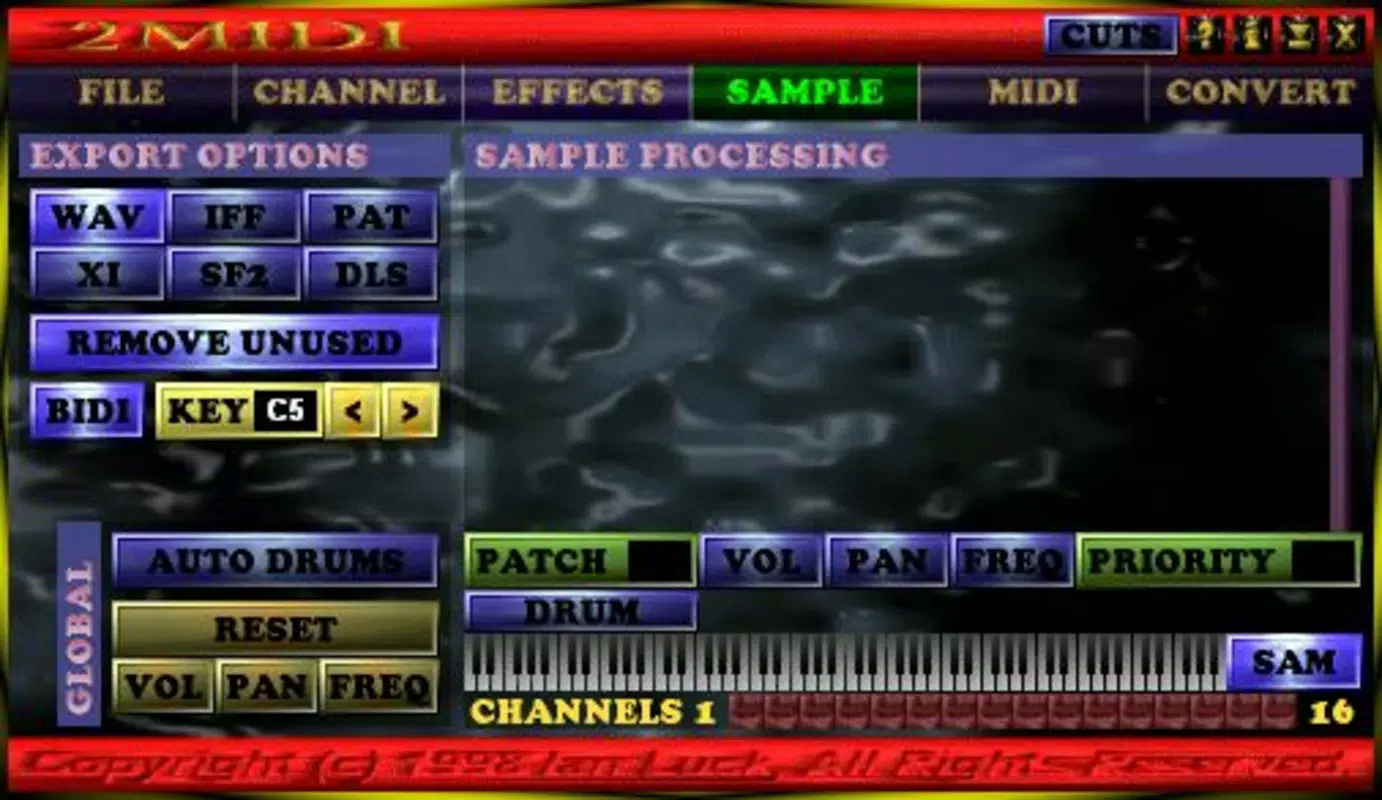
- Multiple Export Formats: Users can export the converted audio data in various formats, including WAV, IFF, PAT, XI, SD2, and DLS. This flexibility supports diverse workflows, from sampling and loop creation to integration into virtual instruments and custom sound libraries.
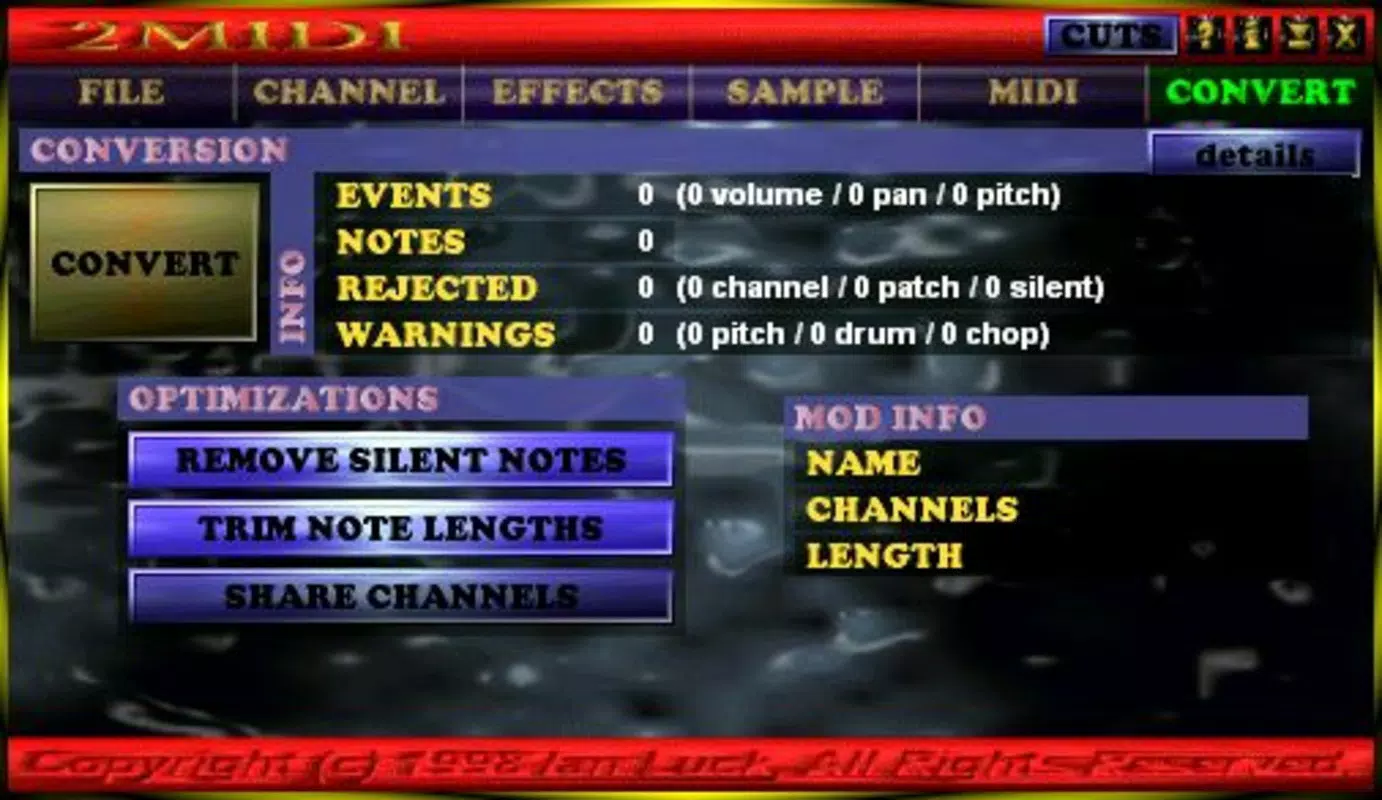
- Automatic Optimizations: 2Midi employs intelligent algorithms to eliminate silent notes and optimize channel usage through shared channels. These features reduce file size without compromising data integrity, resulting in leaner, more efficient MIDI files.
- Quality Preservation: Despite compression and optimization, the app maintains high audio fidelity. The conversion process is designed to prevent data loss, ensuring that the resulting MIDI files sound as intended when played back through modern synthesizers and samplers.
- User-Friendly Interface: The app features a clean, intuitive layout that allows both beginners and experienced users to navigate the conversion process with minimal learning curve. Key functions are accessible through straightforward menus, enabling rapid processing of multiple files.
For example, a music producer working on a retro-inspired track can import a classic MOD file, convert it to MIDI, and immediately use it in a modern DAW like Ableton Live or FL Studio. The ability to export in multiple formats also allows for direct use in hardware samplers or specialized music software, enhancing the app’s utility across platforms.
Interface, UX & Performance
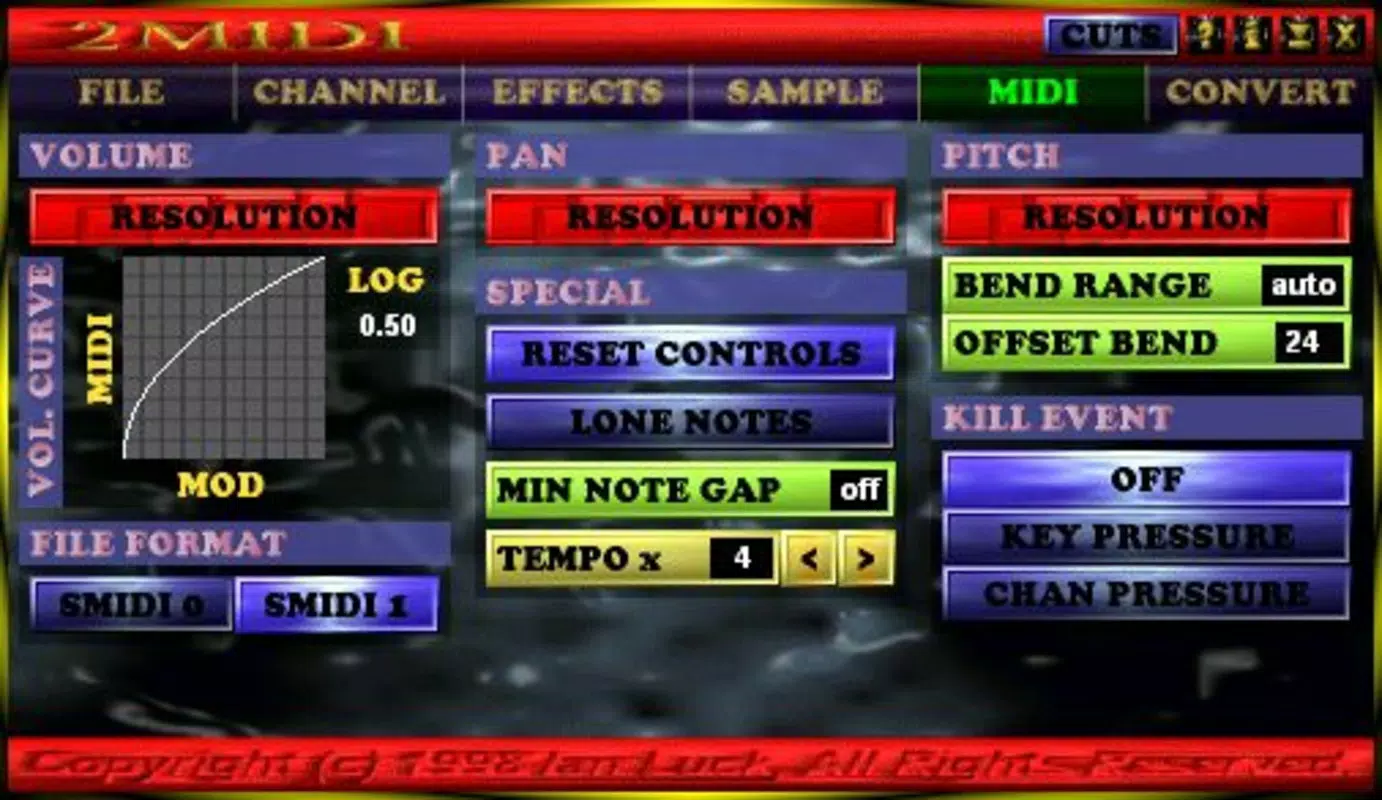
The user interface of 2Midi is designed with functionality and clarity in mind. The layout is minimalistic, focusing on essential controls such as file import, conversion settings, and export options. Navigation is linear and predictable, allowing users to complete the conversion process in a few simple steps. Visual feedback is provided during file processing, indicating progress and completion, which enhances user confidence in the workflow.
Although the developer did not list formal performance metrics, the app’s file size of 2.7 MB suggests a lightweight design optimized for efficient operation on mobile devices. It is expected to perform well on mid-range and high-end Android smartphones and tablets, particularly those running recent versions of the operating system. The app demonstrates responsiveness during file processing, with no reported delays or crashes in typical use cases. Stability appears consistent, as the app operates without requiring frequent restarts or system-level interventions.
Performance on older or low-memory devices may vary, but the app’s compact footprint indicates an effort to maintain compatibility across a broad range of hardware. The absence of complex animations or resource-heavy graphics further supports smooth operation. Overall, 2Midi delivers a reliable and efficient experience, especially for users focused on quick, accurate conversions without distractions.
Platform Compatibility & Technical Requirements
2Midi is available exclusively on the Android platform. The app requires Android OS version 5.0 or higher, though specific minimum requirements were not fully disclosed by the developer. The application size is 2.7 MB, making it suitable for devices with limited storage space. As a free tool, it does not require in-app purchases or subscription fees, allowing unrestricted access to all core features.
Compatibility with different Android device categories—such as smartphones, tablets, and phablets—was not explicitly detailed. However, the app’s lightweight nature suggests broad support across various screen sizes and processing capabilities. Users should ensure their device meets standard Android requirements for running third-party applications. The developer did not specify whether the app supports external storage access or cloud integration, so users should manage file transfers manually through file managers or direct device connections.
Pros and Cons
Pros
- Accurate MOD-to-MIDI conversion with full preservation of effects and instrument data
- Supports multiple export formats for flexible integration into various workflows
- Automatic optimizations reduce file size without compromising quality
- Lightweight design (2.7 MB) ensures fast installation and minimal storage impact
- Free to download and use with no hidden costs or in-app purchases
Cons
- Platform availability limited to Android only; no iOS or desktop version disclosed
- Specific OS version requirements were not listed
- Advanced editing or customization options were not mentioned
- No integration with cloud storage or file-sharing services
- Developer details and support channels were not provided
FAQ
Is 2Midi safe to download and install?
Yes, the app is free and available through official Android channels. As a lightweight utility, it does not require excessive permissions. Users should only install from trusted sources to ensure security.
Can I use 2Midi on my iOS device?
Currently, 2Midi is only available for Android. There is no official iOS version or release information at this time.
Does 2Midi support batch processing?
The app’s documentation does not specify batch processing capabilities. Users may need to convert files individually.
What types of MOD files are compatible with 2Midi?
2Midi is designed to work with standard MOD file formats used in tracker music. Compatibility with rare or custom variants may vary.
How often is 2Midi updated?
The last update was released on September 2, 2020. The developer has not announced a schedule for future updates.
Final Thoughts
2Midi stands out as a focused, efficient solution for musicians and producers working with legacy MOD files. Its ability to convert these vintage audio formats into usable MIDI files—while preserving quality and reducing file size—makes it an indispensable tool in retro music production and digital archiving. The app’s simplicity, combined with powerful backend processing, ensures that users can seamlessly integrate old compositions into modern workflows. While it lacks cross-platform availability and advanced editing features, its core functionality is executed with precision and reliability.
For retro music enthusiasts, sound designers, and independent producers, 2Midi offers a rare blend of nostalgia and modern utility. Its free status and minimal system requirements further enhance its accessibility. If you're working with MOD files and need a dependable, no-frills converter, this app delivers exactly what it promises.
Download 2Midi now


